Find out where the glare comes from
Screen glare is not always caused by too much light. A window or lamp may appear as a bright reflection on the display, while a bright window directly behind the screen can make the screen seem comparatively dim. Both situations can make it harder to see your work clearly. Before buying anything, look at your screen from your usual sitting position at several points in the day. Notice whether you see a distinct reflection or whether the surrounding light simply feels much brighter than the display.
A quick test can help separate the causes. Turn off nearby lamps, then close the curtain or blind briefly. If a reflection disappears, identify the window or lamp that was producing it. If the screen remains difficult to read, check its brightness and the contrast of the content you are viewing. You can then change one part of the setup at a time rather than rearranging the whole room.
Place the screen beside the window, not facing it
When possible, put the screen roughly at a right angle to the window. This often keeps strong daylight from shining straight onto the display or into your line of sight. If a window is directly behind your chair, its reflection may appear on the screen. If it is directly behind the screen, the bright view beyond it can compete with what you are trying to read. Even a modest shift in desk position or screen angle may help.
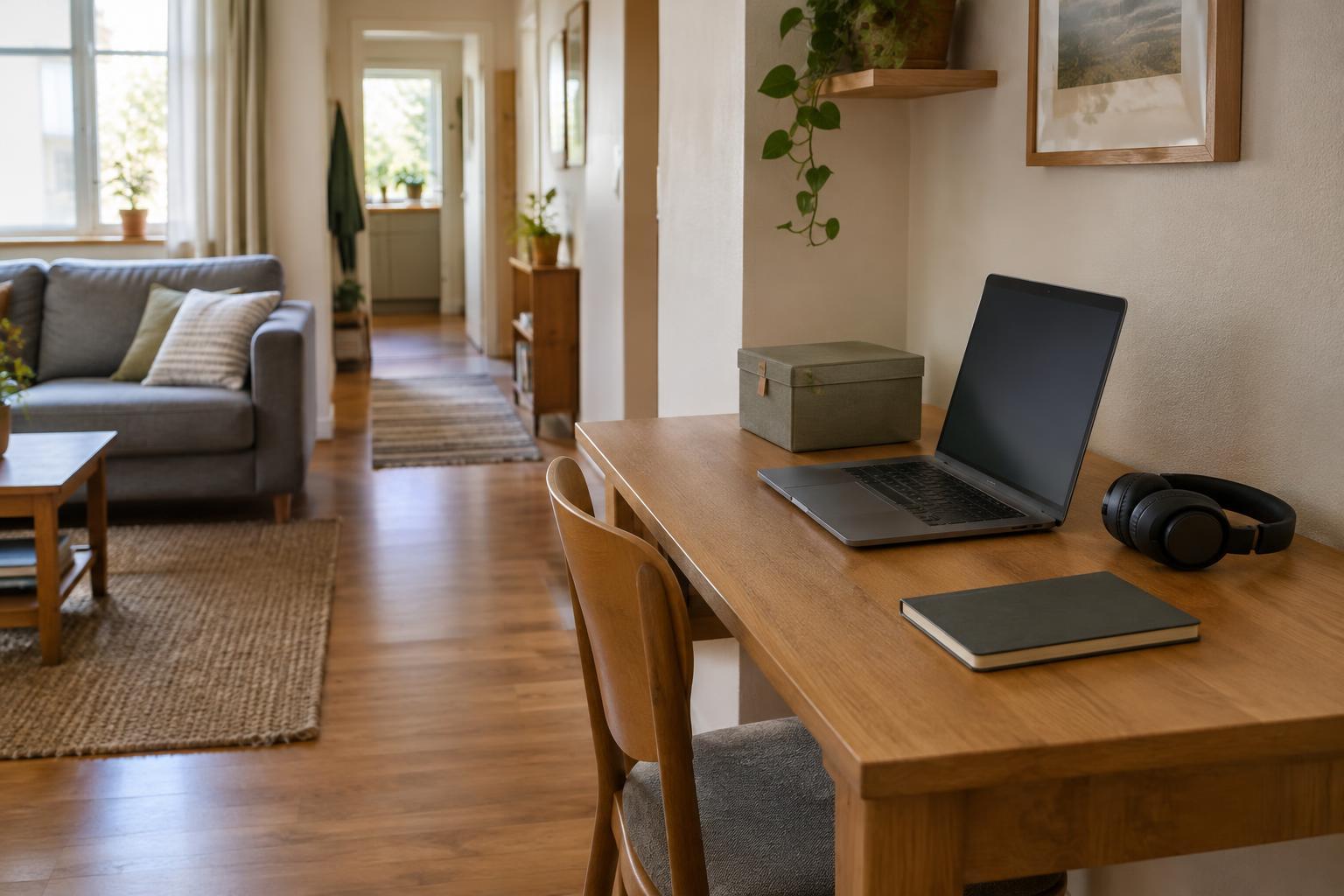
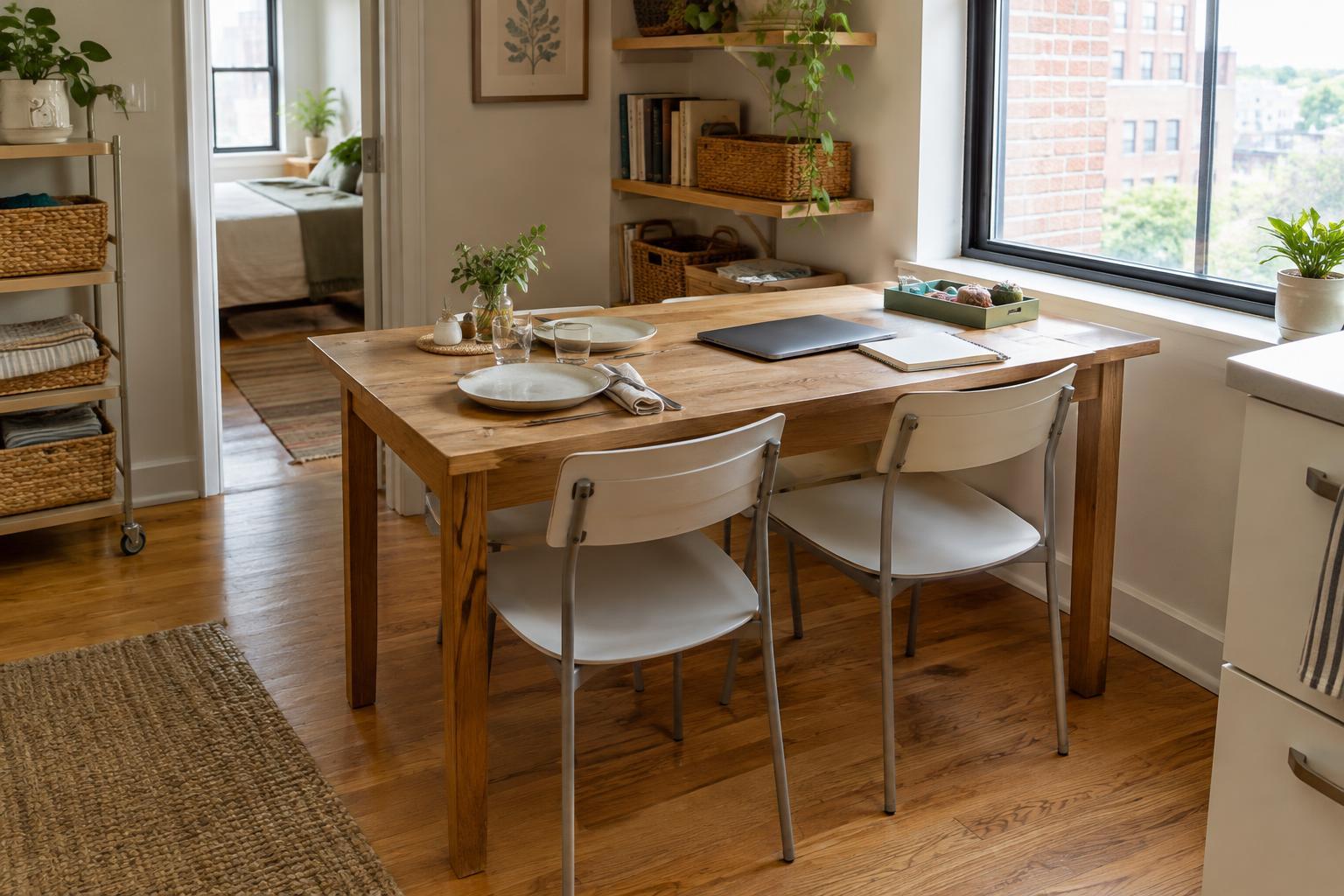
In a compact room, moving the desk may not be realistic. Try turning the monitor on its stand, shifting a laptop to one side of the table, or changing your seat position. Leave enough space to work without twisting your body to see the screen. If the room doubles as a dining area or guest room, mark a convenient screen position so you can restore the setup quickly each morning.
Soften daylight without shutting it out
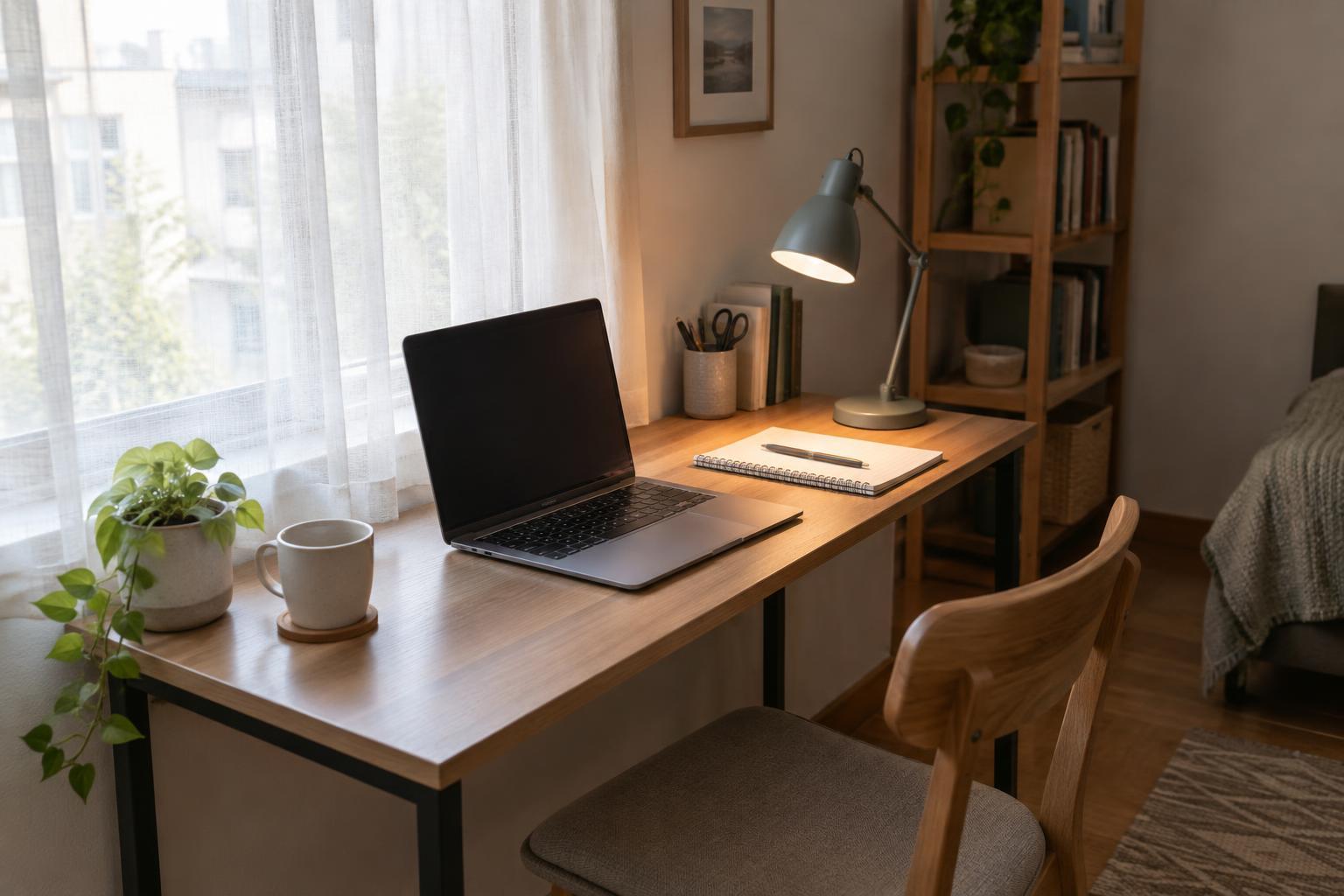
Daylight changes during the workday, so a setup that works in the morning may be uncomfortable later. An adjustable blind or curtain lets you soften direct sun while keeping some daylight in the room. If you already have window coverings, start there: lowering a blind partway or drawing a curtain across the sunniest portion of a window may be enough. A temporary sheet of light fabric can help you test the effect before you buy anything.
Aim for usable light rather than a dark room. Closing every curtain can create a strong contrast between a glowing screen and its surroundings, especially when the display is set very bright. Check the screen again after adjusting the window covering, and set its brightness to a level that remains readable without looking stark against the room. Revisit the setup when the light changes instead of relying on one setting all day.
Give paperwork its own task light
A task lamp is most useful when it lights notes, a keyboard or a work surface without shining into your eyes or reflecting off the screen. Put the lamp to the side of your work area and angle its shade toward the items you need to see. If you write by hand, try placing it on the side opposite your writing hand to reduce shadows across the page. Check the screen from your normal seated position after every adjustment.
You may not need a new lamp. A movable lamp you already own can work if its shade directs light where you need it. In a narrow workspace, a clip-on lamp or a lamp with a small base can preserve desk space, but check that it attaches securely and does not obstruct a shared surface. If a bare bulb appears in the screen, change the lamp’s angle or position before deciding the light itself is unsuitable.
Make a simple workday lighting routine
Spend a few minutes testing your setup at the time glare is usually worst. Sit where you normally work, open a document with text you can read easily and check for reflections. Adjust the window covering first, then the screen angle, then the task lamp. This order helps you find the smallest useful change. Take note of the positions that work, particularly if you clear your desk for other uses at the end of the day.
In the afternoon or evening, switch on a room light if the space around the screen becomes very dark. Keep the task lamp focused on work that needs it rather than pointing it at the display. A comfortable arrangement is one you can maintain in the space you have: a small screen adjustment, a partly drawn curtain and a well-placed lamp may be more practical than replacing furniture or fitting new fixtures.