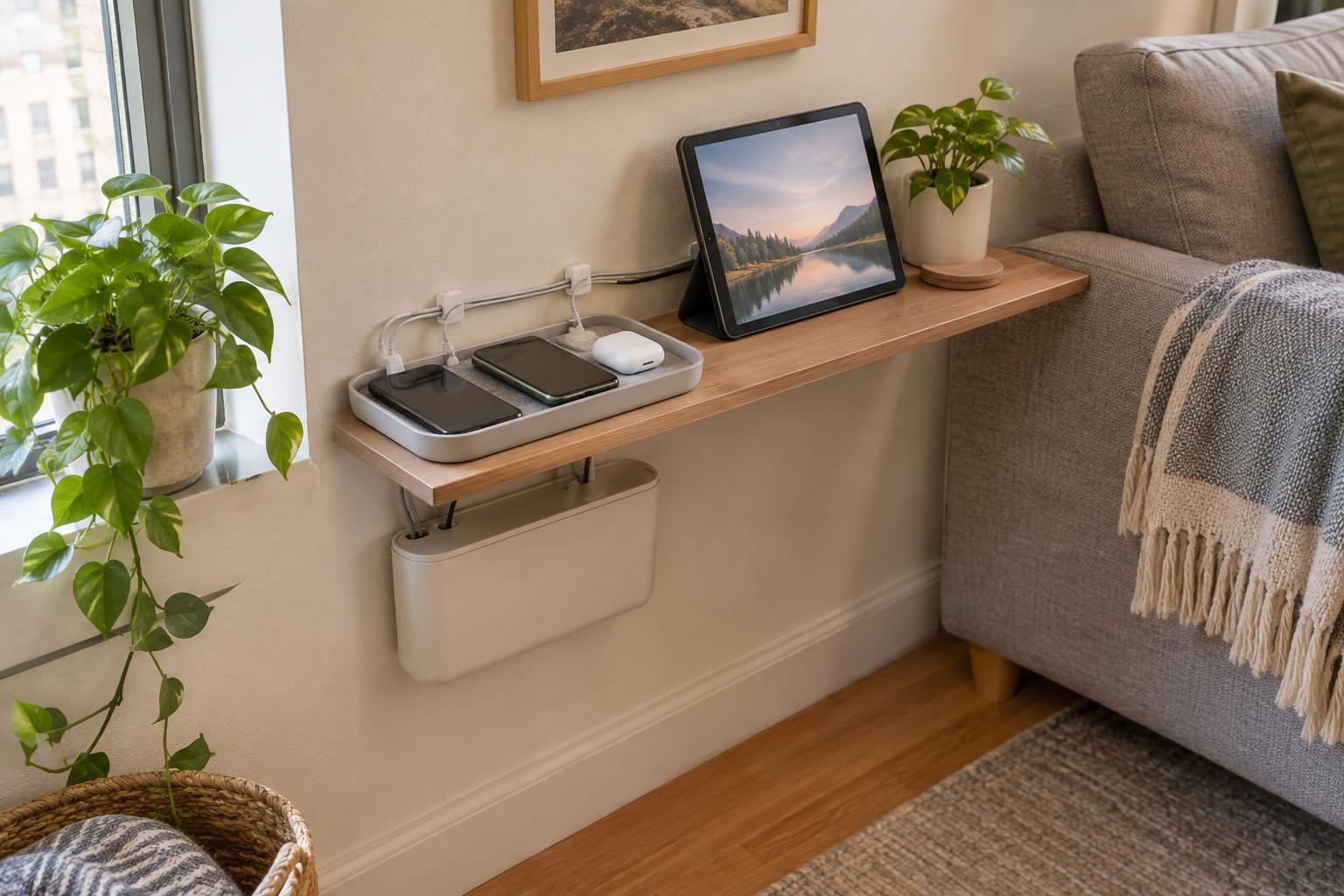
Start with the devices you actually charge
A charging station does not need to hold every electronic item you own. Start by gathering the devices that regularly need power: perhaps two phones, headphones, a watch, or a tablet. Note which ones charge overnight and which need a quick top-up during the day. This helps you plan for daily use rather than buying an organizer with slots you will never fill.
Check the chargers and cables you already have. A device that charges in another room only once a month probably does not need a permanent place here. If several people share the station, decide whether each person needs a designated spot or whether a simple first-come, first-served arrangement will work. The aim is to make charging predictable without turning the station into storage for unrelated accessories.
Pick a location that works when devices are in use
The best location is usually close to an existing outlet and a surface where devices can rest securely. A corner of an entryway console, a small section of a desk, or one end of a kitchen counter may be enough. Before settling on a spot, picture someone plugging in a phone while carrying a bag or preparing dinner. If the cable will cross a walkway, hang into a sink area, or compete with a busy work surface, try another location.
Consider what will be nearby, too. A station beside a pile of papers can quickly disappear under clutter. A shelf may look tidy but be awkward to reach every day. Leave enough space around chargers for their intended use, and follow the instructions supplied with your devices and charging equipment. Rather than hiding a power strip or charger inside a tightly packed box, prioritize an accessible setup that does not trap heat.
Contain the cables without making charging fiddly
Once the location is set, reduce the visible tangle one cable at a time. Route each cord along the back edge of the furniture where possible, then use removable cable clips or reusable ties to keep slack from falling onto the floor. Leave enough length at the device end to plug in comfortably. A cable pulled taut may look neat in a photograph but can be irritating in daily use.
Give small items a boundary. A shallow tray can hold headphones and a watch while keeping them separate from mail or keys. If phones need to stand upright, a simple rack may free up surface space, but check that it fits the devices with their cases on. Labeling identical cable ends can help in a shared household. You do not need matching accessories: a tidy layout depends more on clear places and usable cord lengths than on a coordinated set of products.
Make it easy to reset and adjust
Treat the station as a working area, not a display. Keep only active charging gear there, and put spare adapters or rarely used cables in a nearby drawer or small container. If a device routinely ends up charging somewhere else, ask why. The station may be too far from where that device is used, or its assigned space may be difficult to reach. Moving one cable can be more useful than adding another organizer.
A quick weekly reset helps prevent gradual buildup. Unplug and put away unused cables, return wandering devices to their usual places, and wipe the surface when it is clear. Check whether cords are getting pinched by furniture or stretched across a path. As your devices or routines change, adjust the setup rather than preserving a layout that no longer serves you. In a compact room, a successful charging station is simply one you can use and clear without thinking about it.