Start with the equipment, not the nearest socket
Before moving a desk into place, list everything you expect to plug in during a normal workday. Include the computer, monitor, desk lamp, phone charger and any occasional items such as a printer. Note which devices need to stay connected and which can be charged elsewhere. This small inventory makes it easier to tell whether your chosen corner has enough accessible outlets without relying on a tangle of adapters.
Next, sketch the room or take a photo and mark the existing outlets. Check whether furniture will block them and whether plugs will fit comfortably behind the desk. In a multipurpose room, consider what happens when the desk folds away or another person uses the space. An outlet that works well for a fixed desk may be awkward for a workstation that moves each evening.
Give the desk a sensible power layout
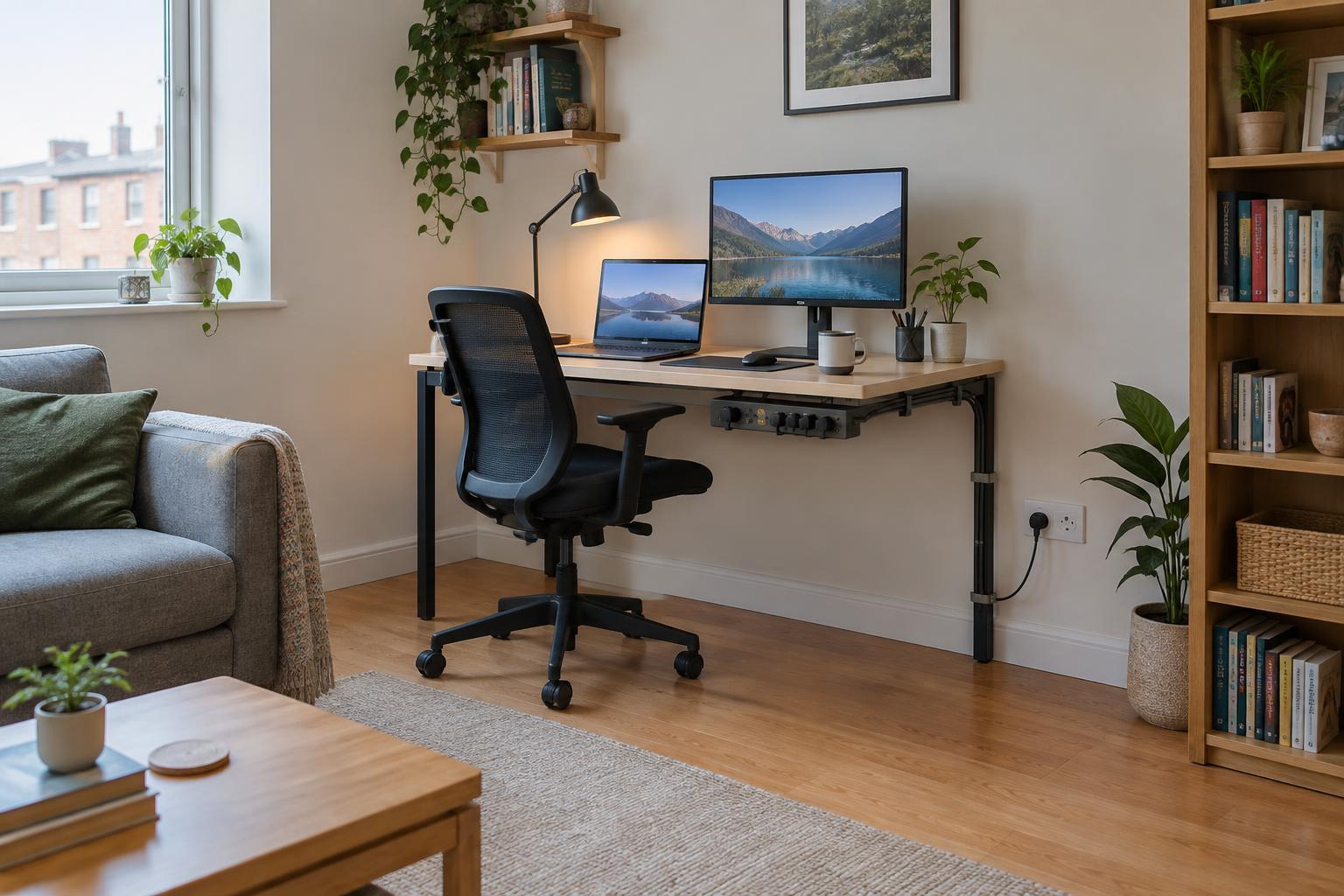
Aim to place the desk close enough to an outlet that cords can follow a clear route without stretching. Leave enough space to insert and remove plugs without pulling on the cable. If the outlet is behind heavy furniture, arrange the furniture so you can still reach it when you need to unplug equipment. Avoid trapping a plug or cable between the desk and the wall.
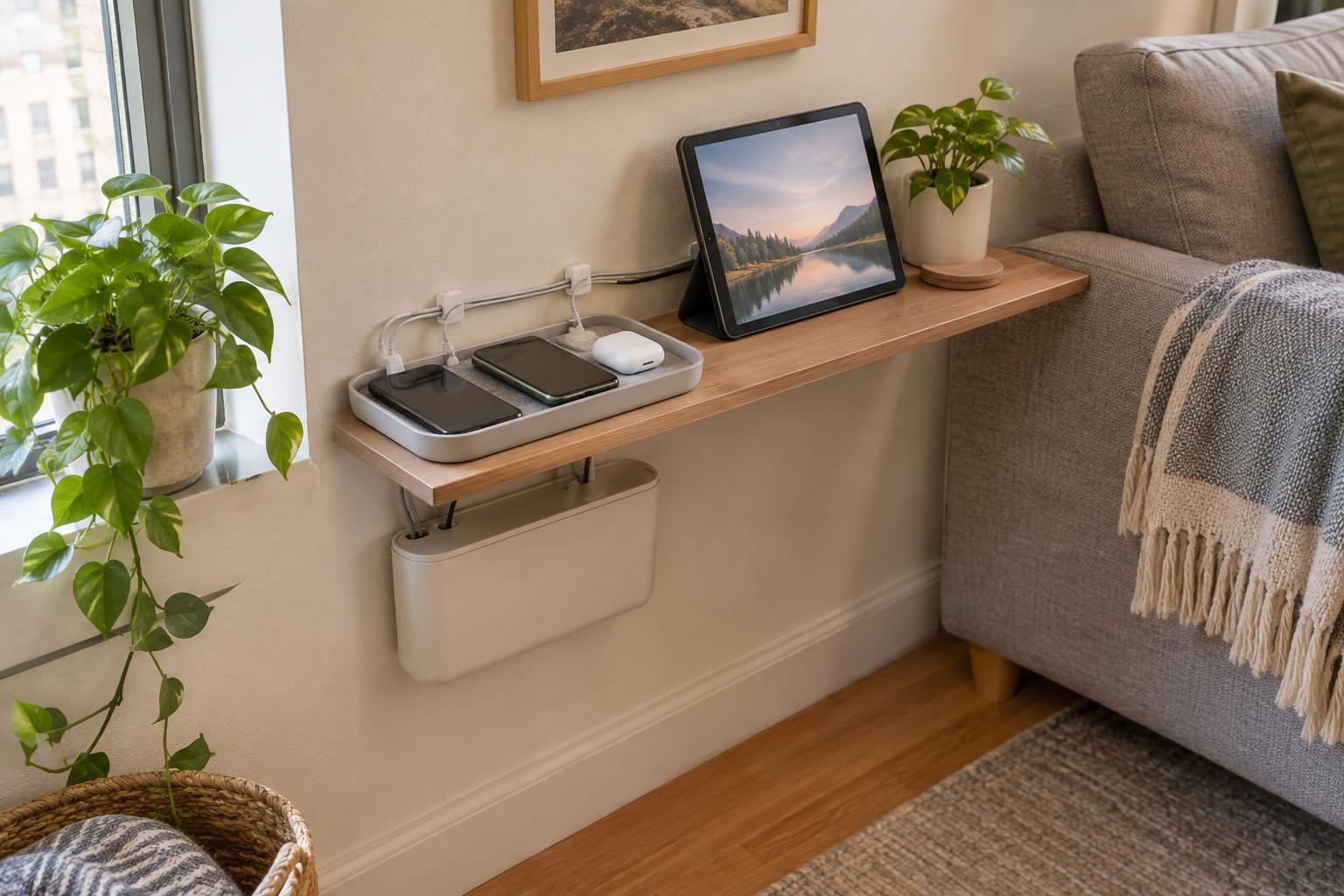
A small charging spot away from the main desk can reduce the number of leads crossing your work surface. For example, a shelf near an existing outlet might hold a phone and headphones while the desk outlet serves the computer and lamp. This works best when the charging spot does not create a new cable crossing a walkway.
Use extension leads for reach, not extra capacity
If you need an extension lead or power strip, choose one suited to your location and equipment, and follow its label and instructions. Check its electrical rating and the requirements of the devices you intend to connect. More sockets do not mean more electrical capacity; a power strip simply lets several plugs share its supply. Do not connect one extension lead or power strip to another.
Keep high-power appliances such as portable heaters out of the workstation power strip. They may draw substantially more power than typical desk electronics and should be used only as their instructions direct. If the available outlets cannot reasonably serve the room, treat that as a layout problem rather than solving it with more adapters. A qualified electrician can advise on adding or relocating outlets where appropriate.
Route cables around real room habits
Trace each cable from its device to its outlet and imagine the room in use: a chair rolling back, a door opening, someone vacuuming or a sofa bed unfolding. Keep leads out of walkways and away from places where they could be pinched, pulled or damaged. Do not run extension leads under rugs or carpets, through doorways, or behind furniture that presses on them.
Cable clips or a simple under-desk tray can help gather low-voltage device cords without making plugs inaccessible. Leave a little slack where a sit-stand desk or movable table needs it, but avoid loose loops near feet and chair wheels. Keep power strips in a position where you can see and reach them, rather than burying them under papers or soft furnishings.
Make a short check part of your routine
Once the workstation is in use, look over the setup occasionally. Check for frayed cables, cracked plugs, loose connections or signs of overheating, such as unusual warmth or a burning smell. Stop using damaged equipment and have it repaired or replaced as appropriate. Unplug by holding the plug, not by pulling the cord.
Revisit the plan whenever you add a monitor, move the desk or change how the room is used. A safe, convenient setup is not necessarily the one with the fewest visible cables; it is the one whose plugs are accessible, whose leads are protected from everyday movement and whose power needs fit the outlets available.