Decide what stays and what moves
Start by looking at your workspace at the moment you need to clear it. Which items must leave the table: a laptop, headset, keyboard or charger? Which can remain nearby without getting in the way? Sorting equipment into a fixed group and a portable group is more useful than trying to hide every wire at once. It tells you which cables need a permanent route and which need to be easy to unplug.
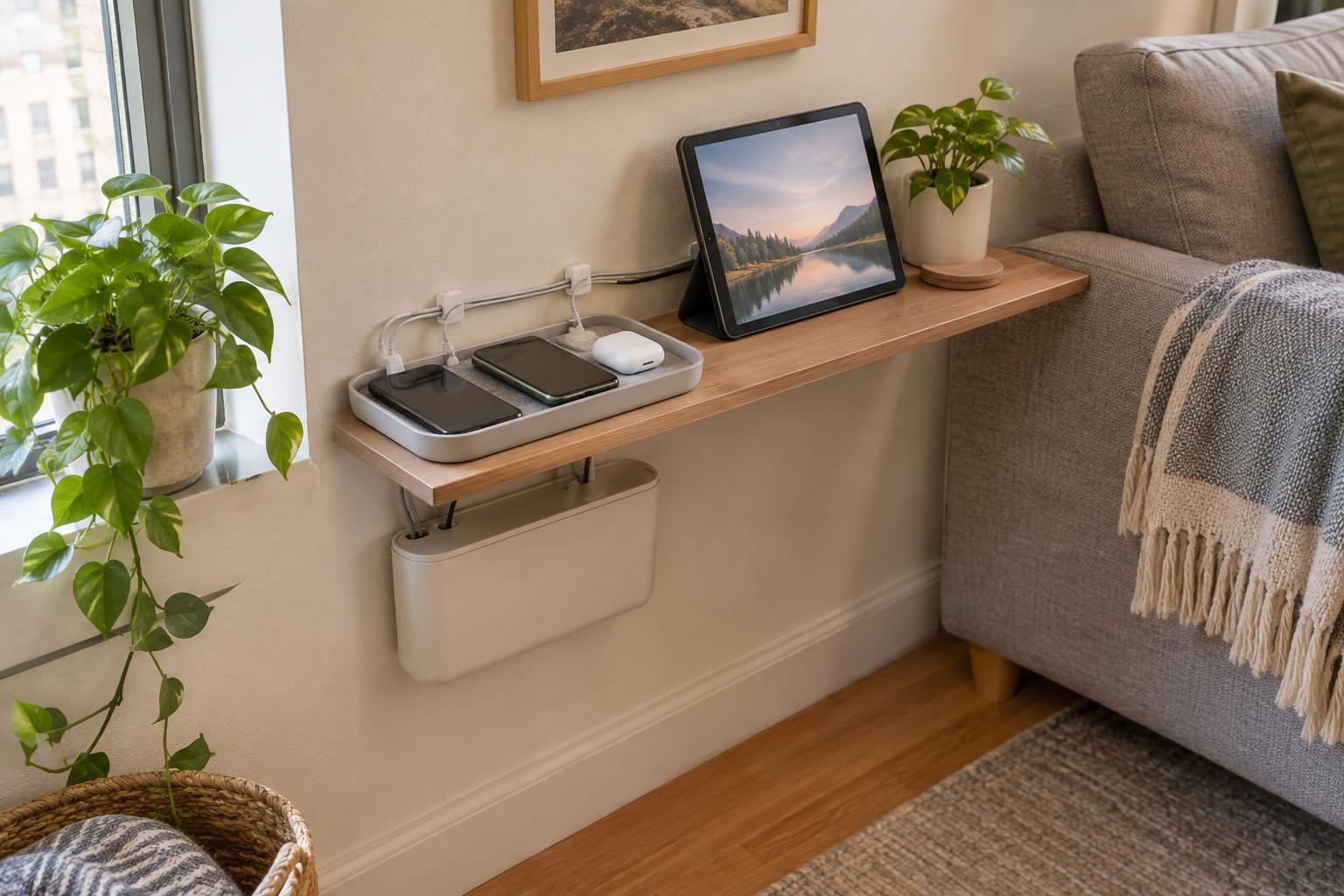
If you work at a dining table, for example, a power strip may have a safe, accessible spot beside a cabinet, while your laptop and headset go into a drawer after work. On a dedicated desk in a multipurpose room, a monitor may stay in place while the laptop travels. Choose one reachable connection point for the portable items. Avoid routing their cords behind heavy furniture if you have to pull them out every evening.
Make each connection easy to identify
Before arranging the cables, disconnect and sort them one at a time. Remove cords you no longer use, and check the remaining ones for damage. Replace a damaged cable rather than concealing it in a bundle. If several plugs look alike, add a small label at each end with a name such as “monitor” or “laptop power.” Matching labels at both ends save you from tracing a cord under the desk when you are in a hurry.
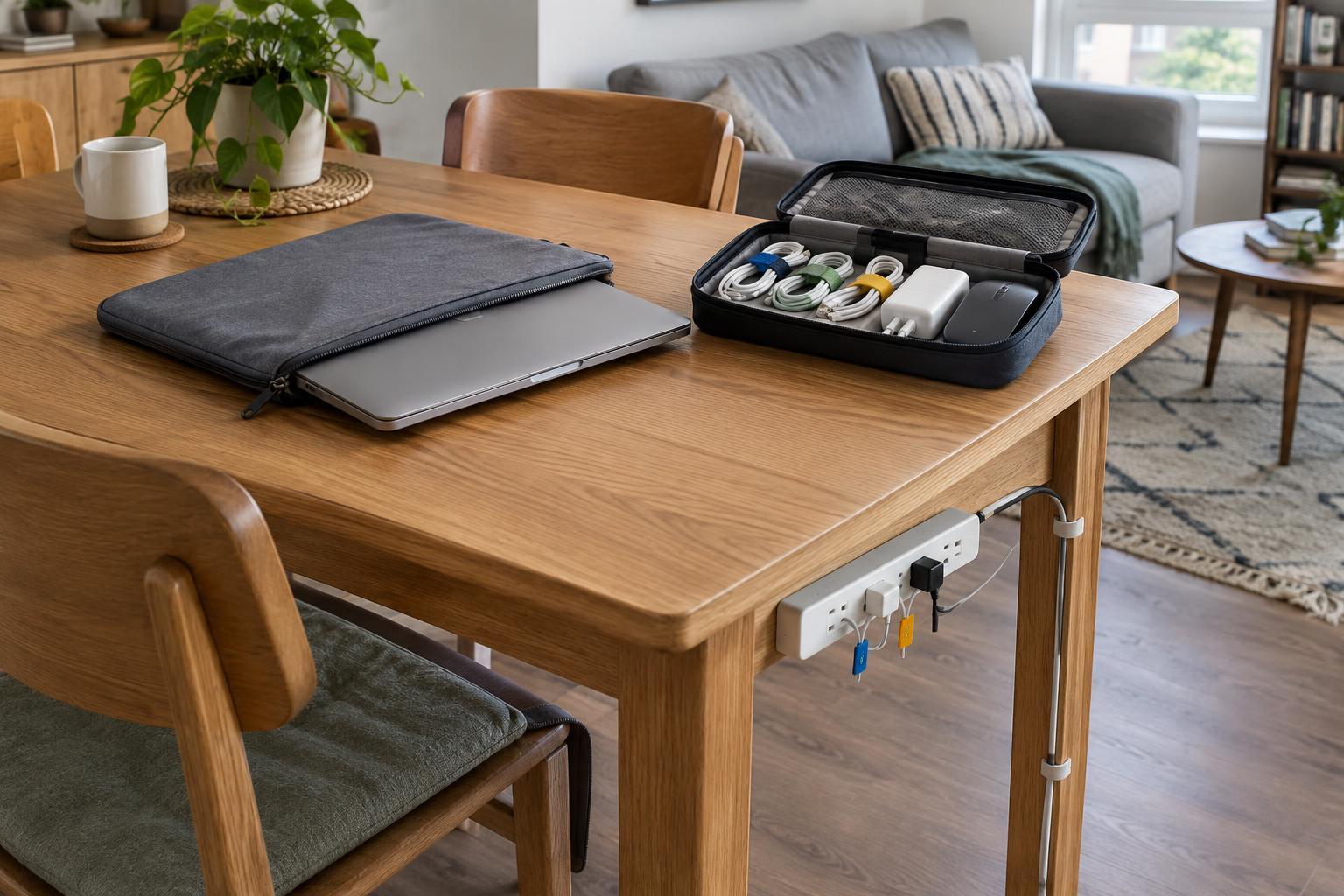
Keep power cords and device cables loose enough that you can reach their connectors without tugging. Reusable hook-and-loop ties are handy for gathering extra length because you can adjust them when your setup changes. A few inexpensive ties and labels may be enough; you do not need a full set of cable-management accessories. Make gentle loops rather than tight coils, and leave room around chargers and other equipment that needs ventilation.
Give cables a route that survives pack-up
A useful route keeps cords away from chair legs, feet and the edge of a table where they can be snagged. On a desk, a simple clip near the back edge can hold a charging lead within reach after the laptop is removed. If you use removable adhesive clips, check that they suit the surface and try one in an inconspicuous spot first. A clip attached to the wrong finish can leave a mark when you take it off.
For a table that must be completely cleared, use a small pouch as the destination for portable cords rather than fastening them to the furniture. Put the pouch where the laptop will be stored. If a power strip stays in the room, keep it accessible and follow its instructions; do not cover it with fabric or tuck it into an enclosed pile of belongings. The aim is a clear, manageable path, not an invisible collection of wires.
Build a kit around the items you actually carry
A pack-up kit works best when it contains only the things that leave the workspace. A pouch could hold a charger, mouse, headset and one frequently used adapter. Give each item a consistent pocket or position so you can see what is missing before closing it. If a cable is needed both at the work surface and elsewhere, decide whether moving it daily is convenient. A second compatible cable may be worthwhile for some households, but a well-organized single cable is often enough.
Keep cables that stay connected to a monitor or other fixed equipment out of the portable pouch. That distinction prevents you from packing a cord you will have to reconnect tomorrow. If you work in more than one spot, label the pouch for work use and keep unrelated household chargers elsewhere. This small boundary makes the kit easier to maintain than a drawer where every spare cord ends up.
Practice a two-minute closing routine
Try packing up in the same order each day: save your work, disconnect portable devices, put their cords in the pouch, move the equipment to its storage spot, then check the floor and tabletop. Hold connectors when unplugging instead of pulling on the cord. If a lead is routinely trapped under a chair or takes too long to find, adjust its route or storage place before adding another organizer.
Test the routine on a normal workday, not just after a big tidy-up. Notice which item slows you down, then change one thing at a time. You might move the pouch closer, add a label or replace a clip that does not hold. A good cable setup is one you can clear without untangling, searching or leaving a trip hazard behind—and one you can put back just as easily when it is time to work again.