Start with the work, not a shopping list
Before setting a budget, write down what you actually do at home. A person who spends most of the day on video calls may need a quiet place and reliable audio. Someone who edits documents may benefit more from a comfortable work surface and a screen they can position easily. Your equipment budget should follow those tasks rather than a picture of an ideal office.
Take stock of what you already own: a table, chair, laptop, lamp, headphones and any equipment supplied by work. Then note the friction points. Is the table too crowded to open a notebook? Do you move a dining chair back and forth every morning? Does the room become hard to use for anything else after work? A purchase is easier to justify when you can name the problem it solves.
Set a spending limit you can live with, including small extras such as a power strip or delivery fees. You do not need to spend the whole amount immediately. Holding some back gives you room to respond to problems that only become clear after a few weeks of using the setup.
Buy first: a stable surface and workable seating
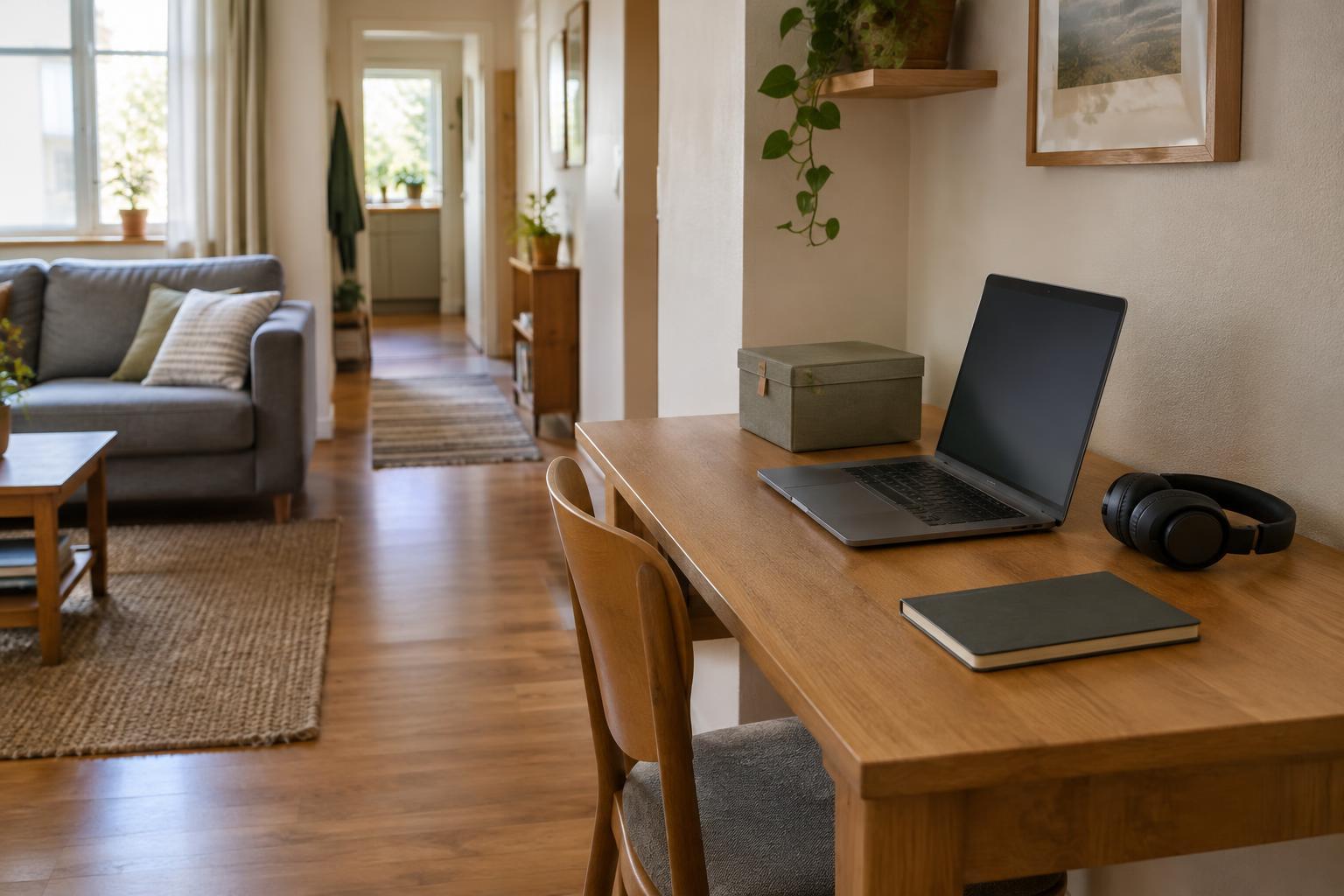
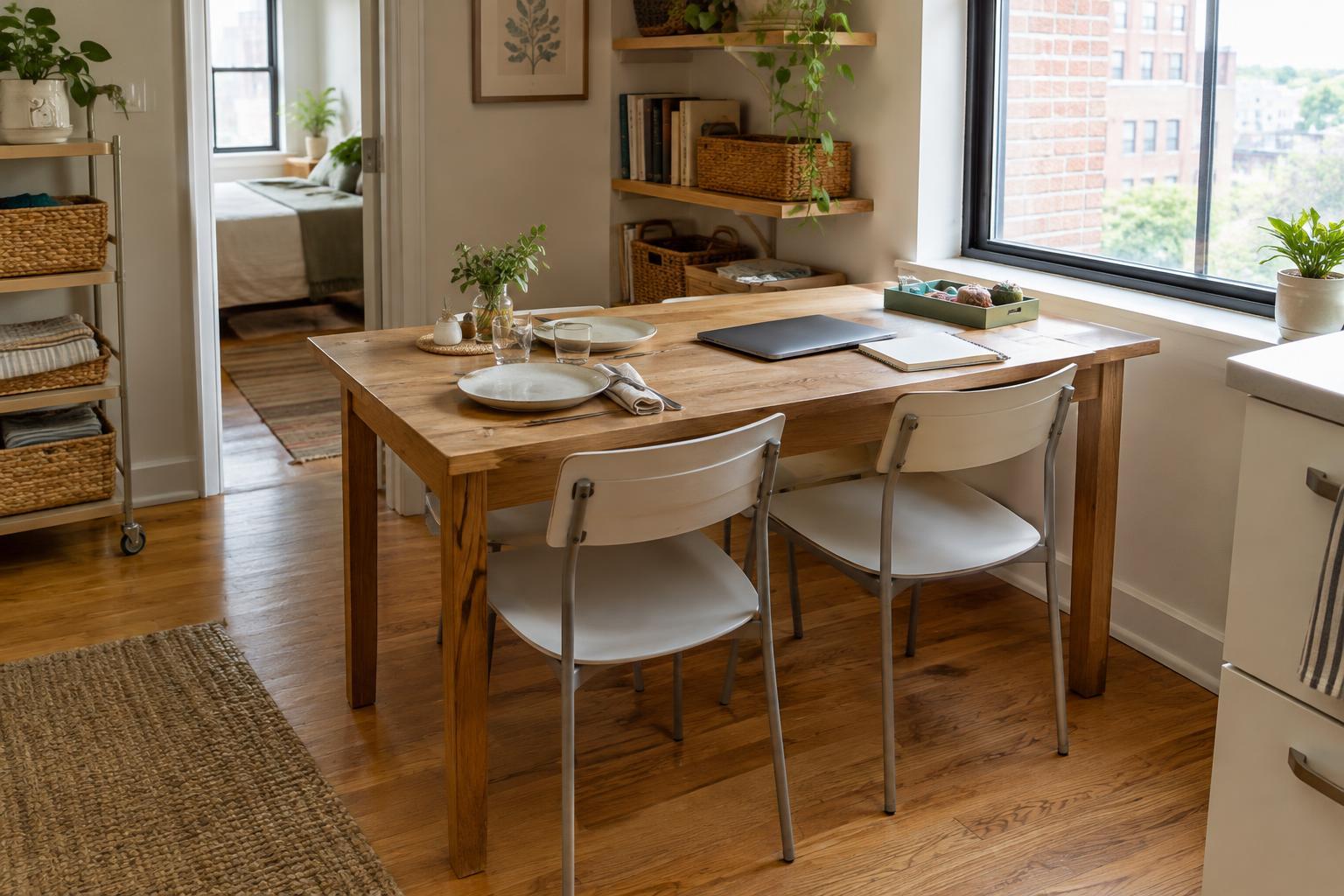
A stable surface with room for your essential tools is a sensible starting point. That does not necessarily mean buying a desk. A clear section of a dining table may work well if you can pack your equipment away, while a narrow desk may suit a room that can spare a permanent corner. Measure both the available floor space and the surface you need before choosing furniture.
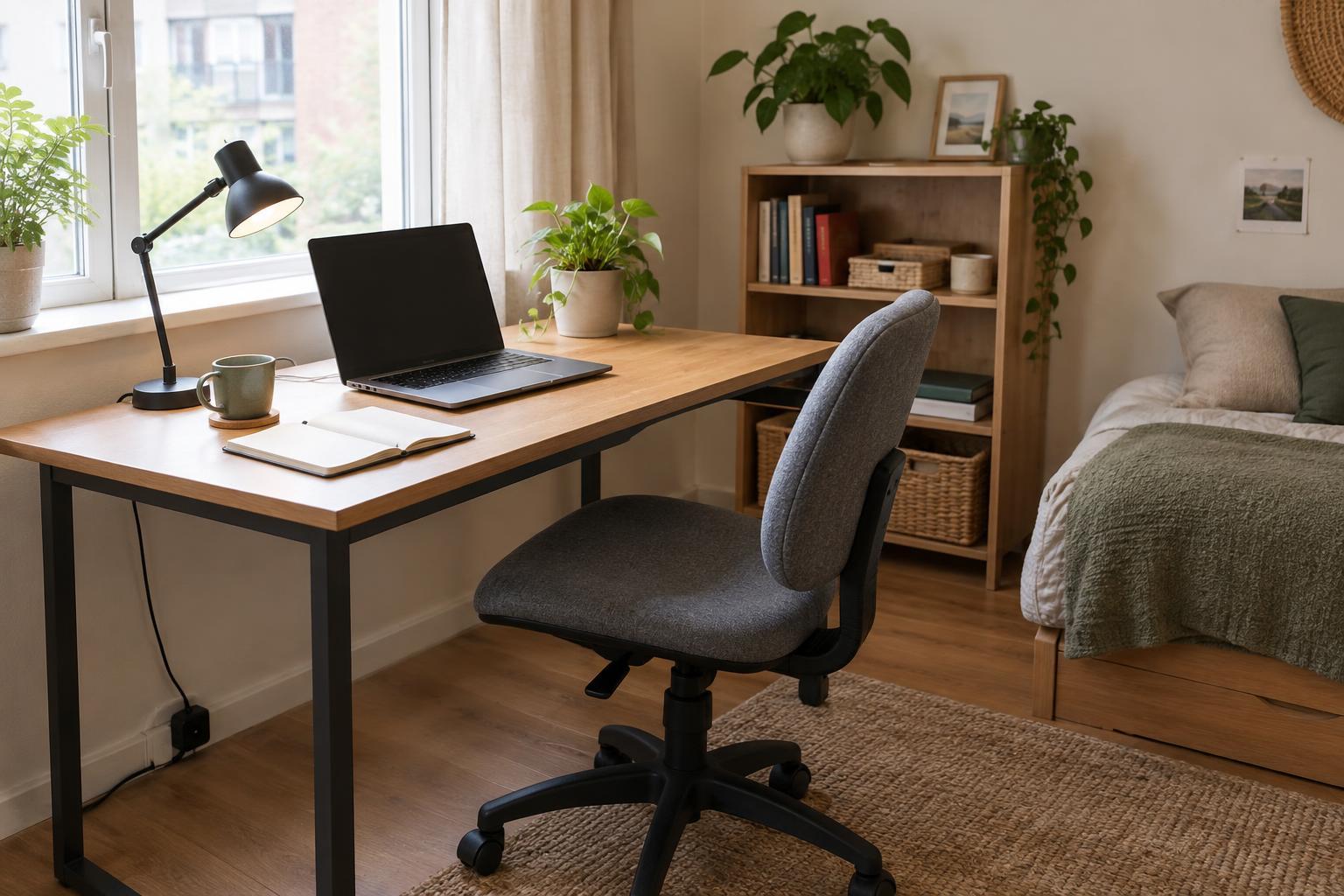
Pay attention to the chair you already use. If you can sit and work comfortably and adjust your position during the day, replacing it may not be urgent. If it is unstable, the wrong height for your table or difficult to use for a full work session, seating may deserve more of your budget than a new desk. Try a chair where possible; a long list of features does not guarantee it will suit you.
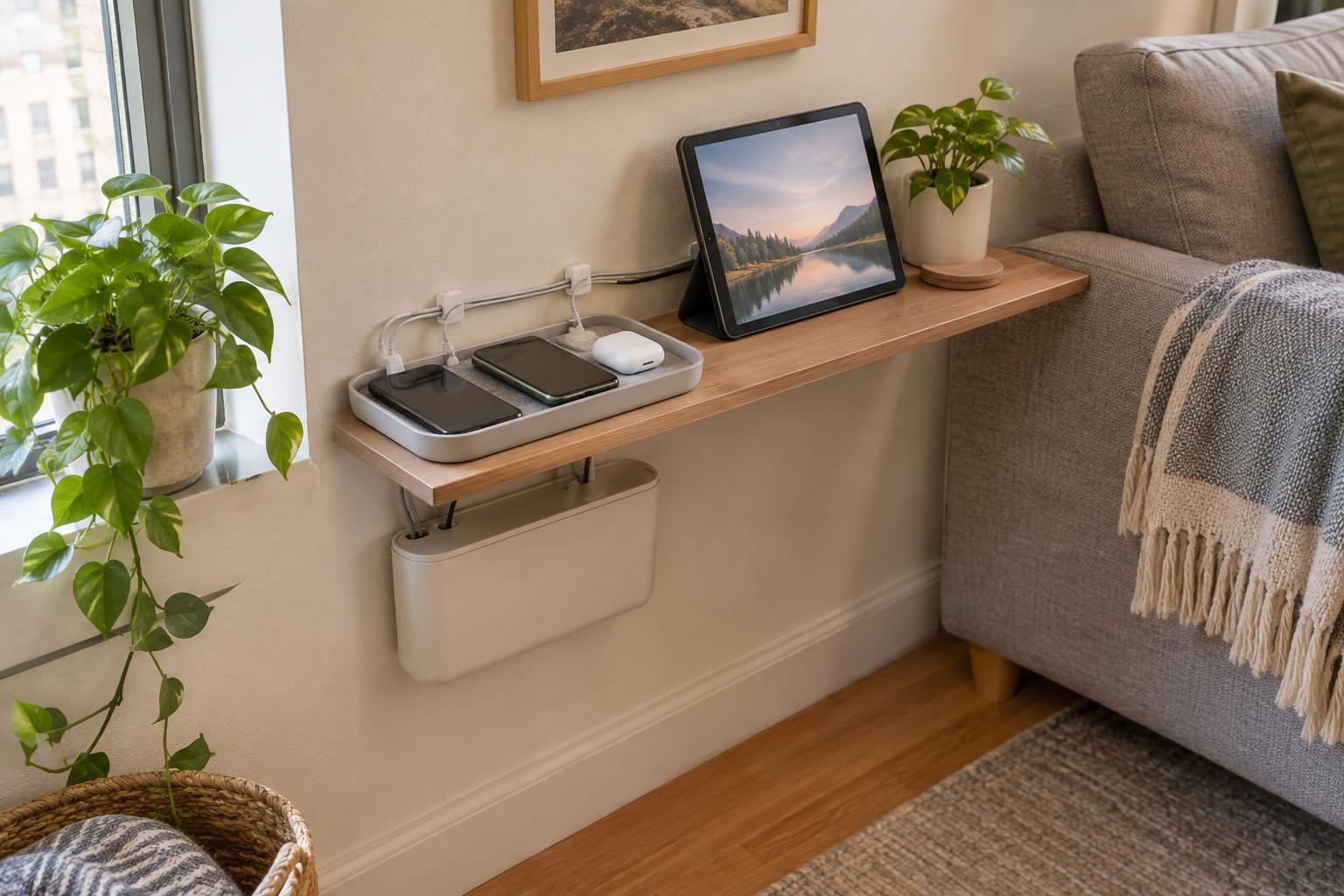
For a shared room, budget for the end of the workday too. A box for cables and a place to put the laptop may do more for everyday livability than a larger piece of furniture. Choose storage you can actually reach and use, rather than a system that requires a lengthy reset each evening.
Fix daily interruptions before adding upgrades
Next, look at problems that repeatedly slow you down. If you cannot see paperwork clearly, try repositioning an existing lamp before buying another. If calls are hard to hear, test headphones you already have before considering a dedicated microphone. If your laptop screen is awkwardly placed, a stand may help you arrange it, but include any keyboard and mouse you would need to work with the raised laptop.
Reliable power and a manageable cable route are less exciting purchases, but they can make a compact setup easier to use. Check that any power accessories are appropriate for your equipment, and keep cords out of walkways. If your connection is unreliable, first check whether moving closer to the router or changing the setup is possible before budgeting for new hardware.
Rank these fixes by frequency and impact. An inconvenience you face on every call usually belongs ahead of an accessory you might use once a month. Where an employer provides equipment or has requirements for work devices, check those arrangements before paying for a duplicate yourself.
Use a simple budget with room to change course
Divide your spending limit into three parts: the main problem to solve, smaller supporting items and a reserve. For an illustrative $250 budget, you might set aside $150 for a chair or compact work surface, $50 for a task light or input devices, and keep $50 unspent. Those amounts are planning choices, not price guides. Your split should change if the furniture you already own works well or if your job calls for different tools.
Make one substantial change at a time when you can. Work with a new arrangement for several days before deciding what comes next. This helps you distinguish a genuine equipment gap from a habit you can adjust, such as leaving papers spread across the table. It also makes returns or exchanges easier to manage than buying a full setup at once.
If money is tight, look for ways to reuse what is already in the room. A sturdy table in another corner might give you better light; a tray can gather small work items for quick packing away. Secondhand furniture can be useful too, provided you can check its condition, dimensions and fit before committing.
Let optional purchases earn their place
A second monitor, premium webcam, dedicated microphone or matching desk accessories may be worthwhile for some work, but none belongs on every starter list. Wait until you can describe a recurring task the item would make easier. If you only occasionally need more screen space, try working with your current display and reorganizing windows before buying another screen.
Decorative upgrades can wait until the basic setup functions well. That does not mean the space has to feel bleak: clearing visual clutter, choosing a pleasant spot for a lamp and putting equipment away at the end of the day cost little or nothing. In a multipurpose room, an easy transition back to home life is part of a successful setup.
Revisit your budget after you have used the space through a normal stretch of work. Keep what helps, change what gets in the way and spend the remaining money only where the improvement is clear. The goal is not a complete-looking home office; it is a setup that supports your work without taking over your home.