Start with the camera frame, not the whole room
You do not need to redecorate a shared room to make it work for video calls. The camera shows only a slice of the space, so begin by opening your usual meeting app and checking the preview. Notice what is visible behind your shoulders and at the edges of the frame. A drying rack or busy shelf may be distracting on screen even if it feels unobtrusive in the room.
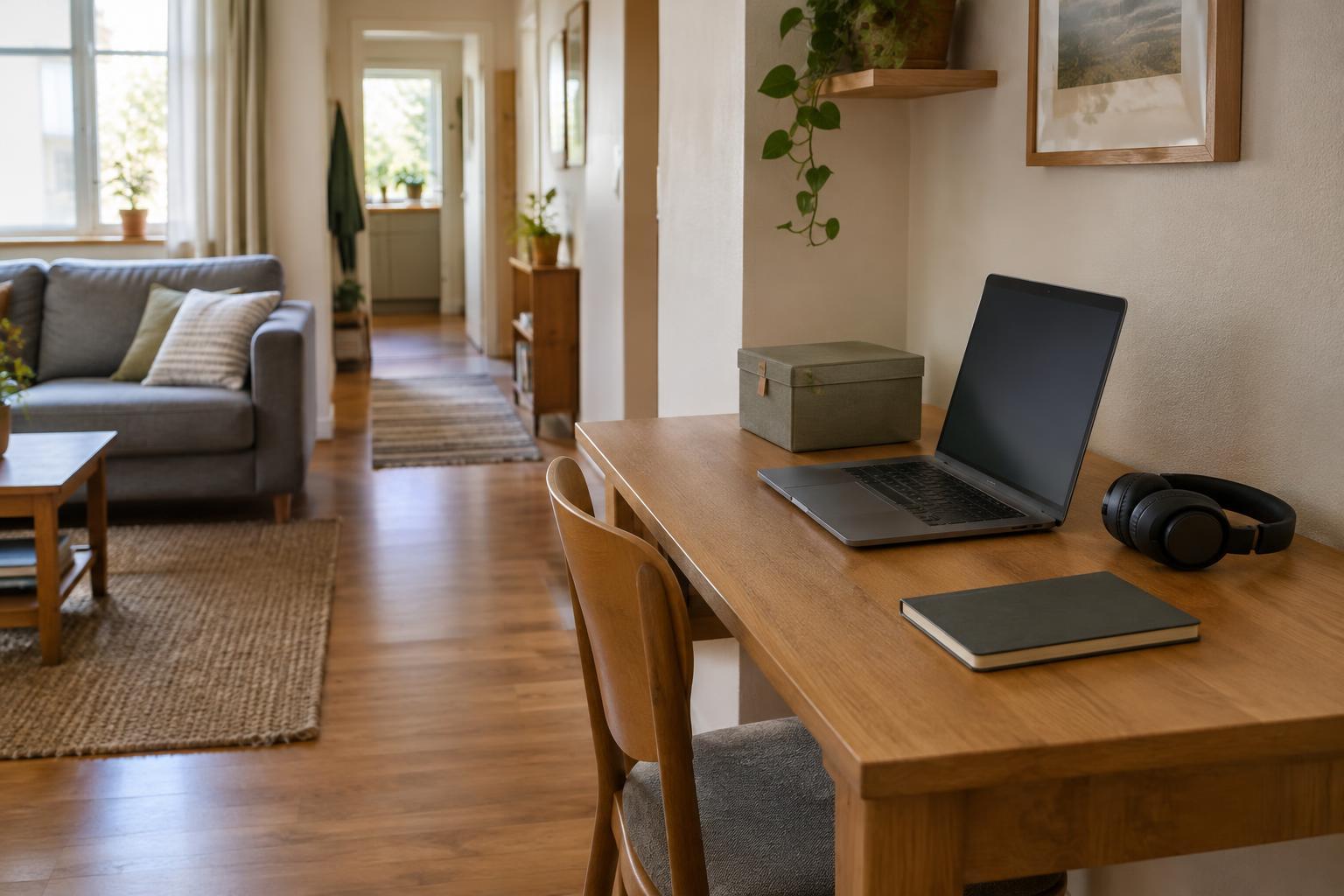
Look for a position where the camera faces a plain wall, a closed bookcase, or a tidy corner. Leave a little space between yourself and the background if the room allows it; this can make the frame feel less crowded. If a desk has to serve several purposes, mark the best laptop position with a small, removable piece of tape underneath it or note where it lines up with the table edge. That makes the setup easier to repeat without permanently claiming the room.
Set an angle that feels comfortable and steady
Place the camera roughly at eye level so you are not looking sharply down at it or stretching upward. A stable stack of books can lift a laptop for a call, though you may want a separate keyboard and mouse for longer sessions. A simple stand is another option if you regularly move between rooms. Check that the device cannot slide or tip before the meeting starts.
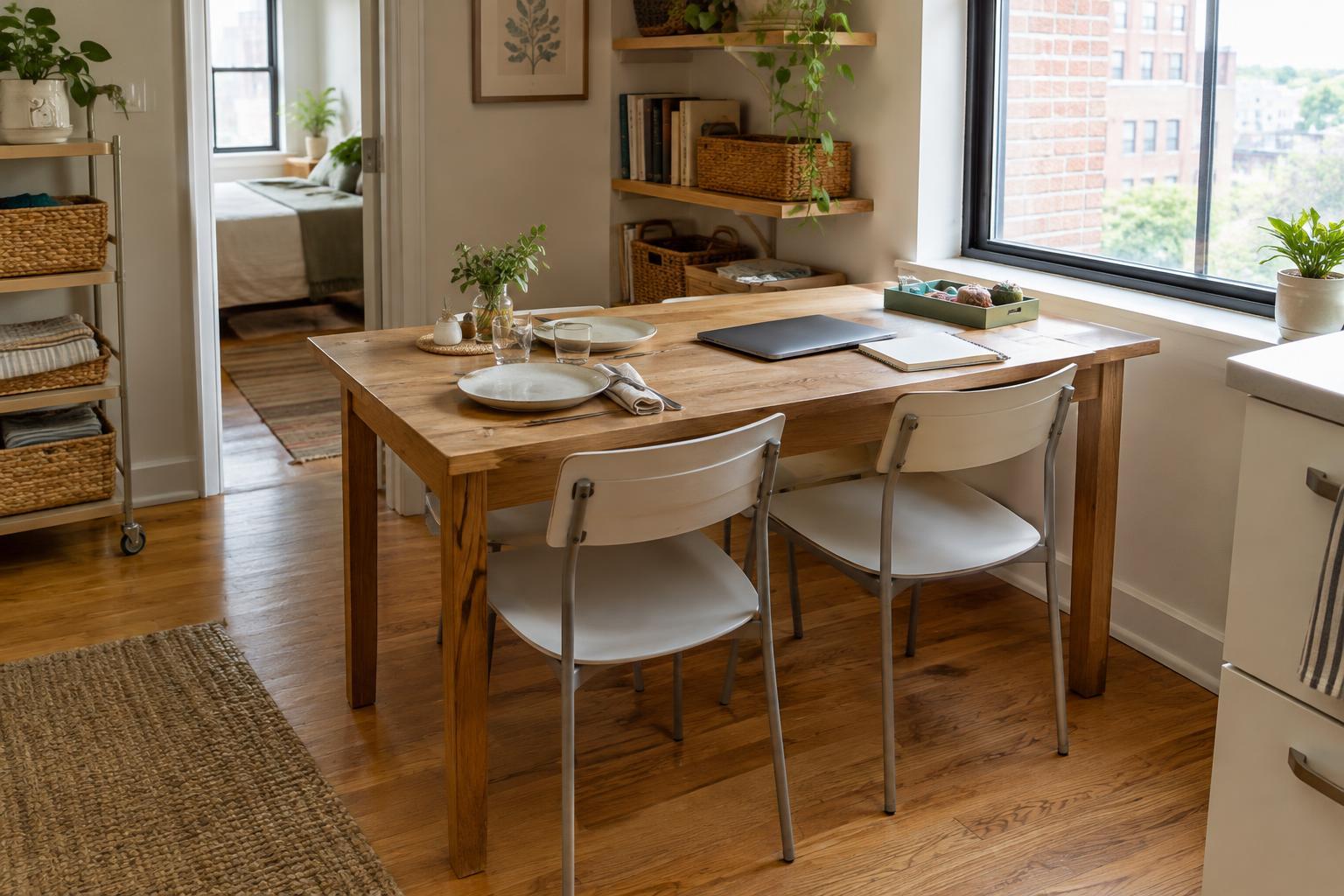
Sit far enough back that your face and upper shoulders fit comfortably in the frame. Then check the edges again: a slight turn of the chair may hide a doorway or another person's work area. If you sometimes take calls from a dining table, test the angle while seated as you normally would, rather than arranging a frame that only works when you hold an awkward posture. Save yourself time by remembering one workable camera position instead of adjusting it from scratch for every call.
Use light to help the camera, not complicate the room
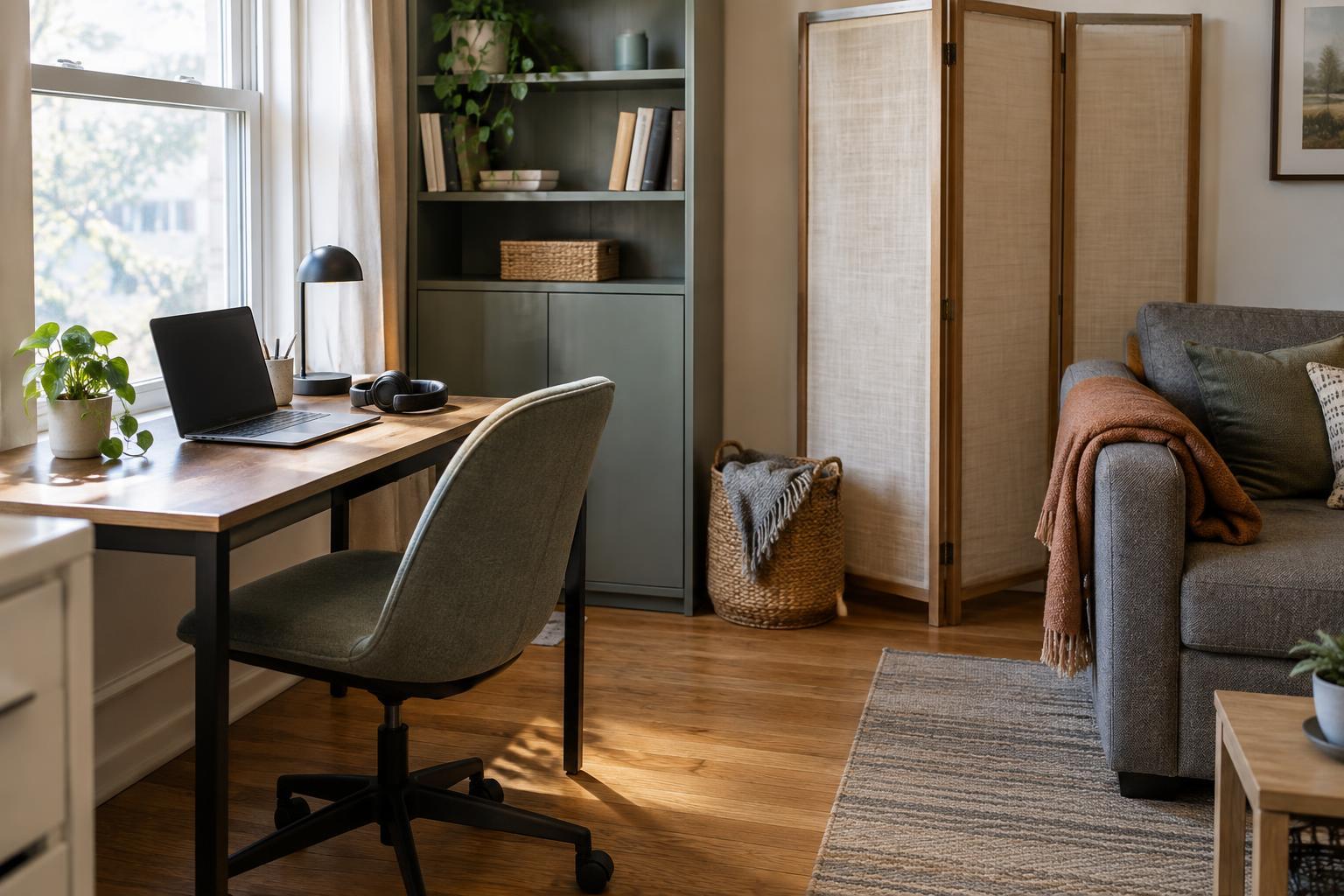
If possible, face toward a window rather than sitting with the window directly behind you. Strong light behind your head can leave your face looking dark. Side light can also work; try turning your chair slightly until your face is reasonably even in the preview. The best position may change as daylight shifts, so keep a second option in mind for calls at a different time of day.
When daylight is limited, an existing table lamp may be enough. Put it near the camera but out of the frame, and aim for soft, comfortable light rather than a bright beam in your eyes. Before buying a dedicated light, test what you already own. A quick preview is more useful than trying to make the entire shared room look evenly lit.
Protect privacy without making a production of it
A good background is one that does not reveal more than you intend. Look for family photographs, mail, calendars, identifying notes, or another household member's belongings in the frame. Moving a few items is often easier than hiding a whole wall. A folding screen or a curtain can provide a consistent backdrop if there is space to store it when the call ends, but neither is essential.
Blur and virtual backgrounds can be useful when the room cannot be cleared. Test them before an important call, since their appearance can vary with lighting and movement. Keep a physical backup, such as turning the camera toward a simpler corner. If other people use the room, agree on a realistic call routine: which times need quiet, whether someone might pass behind the camera, and what signal means a call is in progress. The aim is coordination, not expecting everyone else to disappear.
Make the setup quick to put away
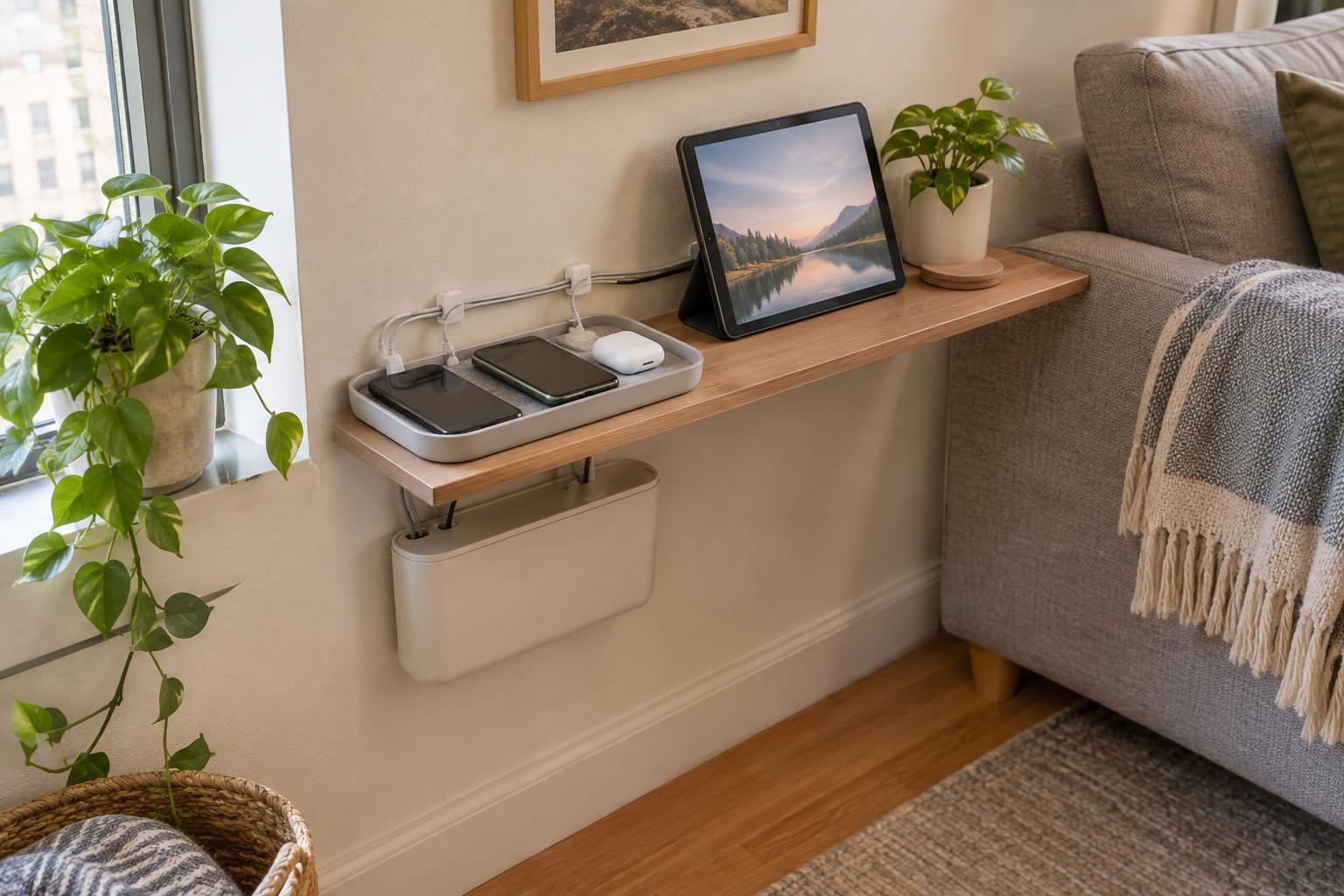
A shared room works better when video-call preparation has a clear start and finish. Keep the small items you need—a stand, charger, headphones, and perhaps a lamp—in one basket or drawer. Before a call, place the device in its tested position, check the preview, and move only the objects that actually enter the frame. This is usually less work than tidying the entire room.
Afterward, return the surface to its usual purpose. If the room is also used for meals, hobbies, or relaxing, leaving a permanent call setup may create friction. A repeatable five-minute routine gives you a dependable frame while keeping the room flexible for everyone who shares it.