Start with the places everyone uses
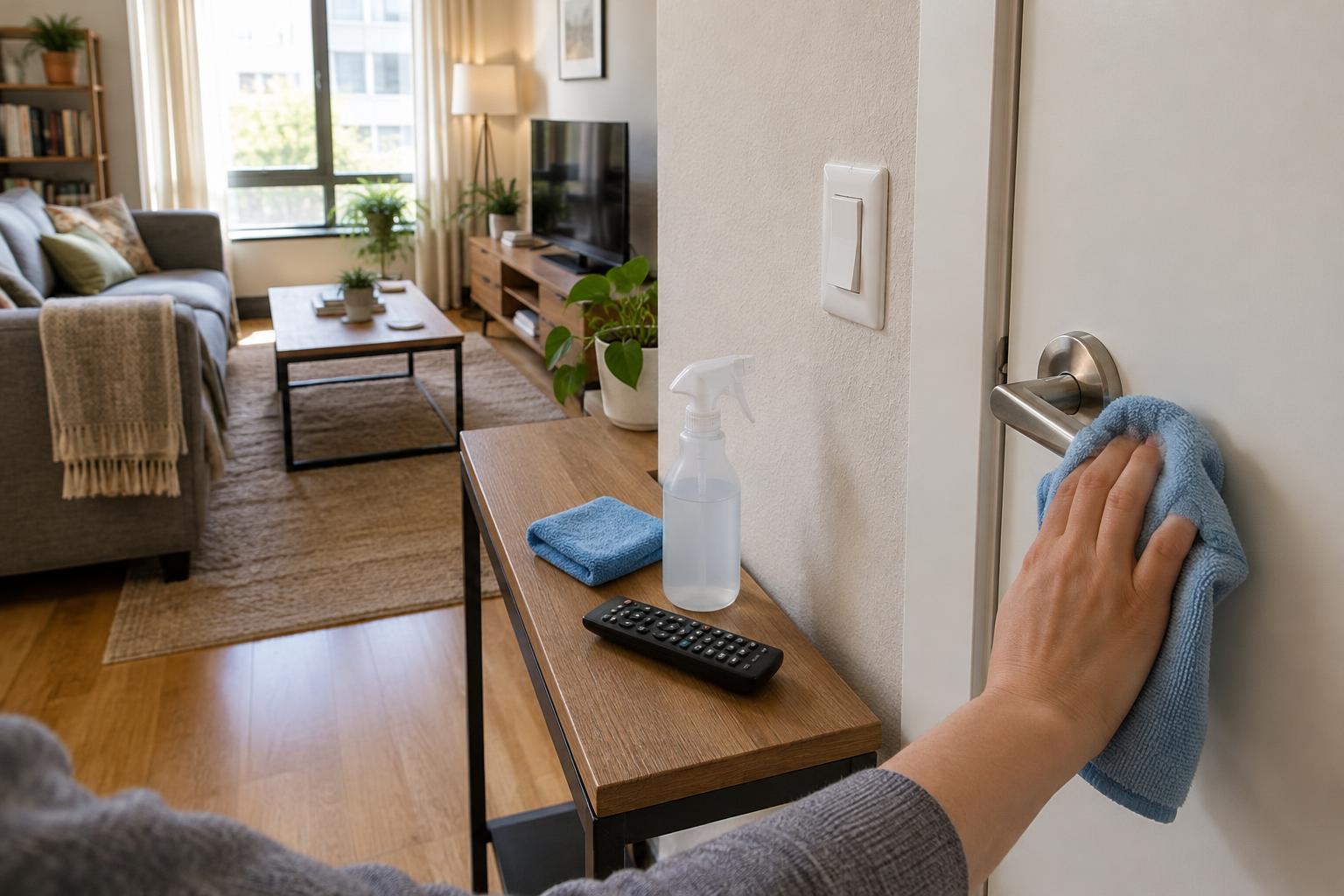
In a compact or multipurpose home, several people may use the same door handles, light switches, and remote controls throughout the day. These small surfaces are easy to overlook because they take up so little space. A quick touchpoint routine helps remove visible marks and everyday buildup without requiring a full-room clean.
Walk through your home and choose a short list: the entry-door handle, bathroom and kitchen handles, frequently used switches, the television remote, and any shared desk controls. There is no need to clean every knob and button on every pass. Keeping the list manageable makes it more likely that you will repeat the routine.
Gather a small, suitable kit
For ordinary cleaning, start with a soft cloth, a little mild soapy water, and a dry cloth. A microfiber cloth is useful, but a clean, soft reusable cloth will also do. Dampen the cloth rather than soaking it; excess liquid can run into seams, electrical fittings, or the gaps around buttons. If a surface has crumbs or dust around it, remove those first so you do not drag grit across the finish.
Check product and surface instructions before using a cleaner, particularly on painted hardware, specialty finishes, and electronics. Cleaning removes dirt; disinfecting is a separate step that depends on the product being used correctly. If you choose to disinfect, follow the product label for the surfaces it can be used on and any required contact time. Do not mix cleaning chemicals.
Clean handles and switches without making a mess
Wipe a handle from end to end, including its underside and the area where fingers wrap around it. Give the nearby plate or door edge a pass if it has visible marks. On a frequently used cabinet pull, check the surrounding door face as well: that is often where hands land when someone is carrying dishes or groceries. Use a second, dry cloth to remove leftover moisture.
For light switches, put cleaner on the cloth, never directly on the switch or wall. Wipe the switch face and plate gently, keeping moisture away from openings. A dry cloth can lift fresh fingerprints from a painted wall around the plate; for stubborn marks, test your usual wall-cleaning method in an inconspicuous spot first. Avoid scrubbing hard enough to wear down the paint.
Treat remotes as electronics
Remotes need a lighter touch than a door handle. Follow the device maker’s cleaning guidance if you have it. Turn the device off if possible, and do not spray it or let liquid enter the button gaps, battery compartment, or charging port. A barely damp, soft cloth can wipe the outside case and button tops; use a dry cloth to finish. Let the remote dry before using it again.
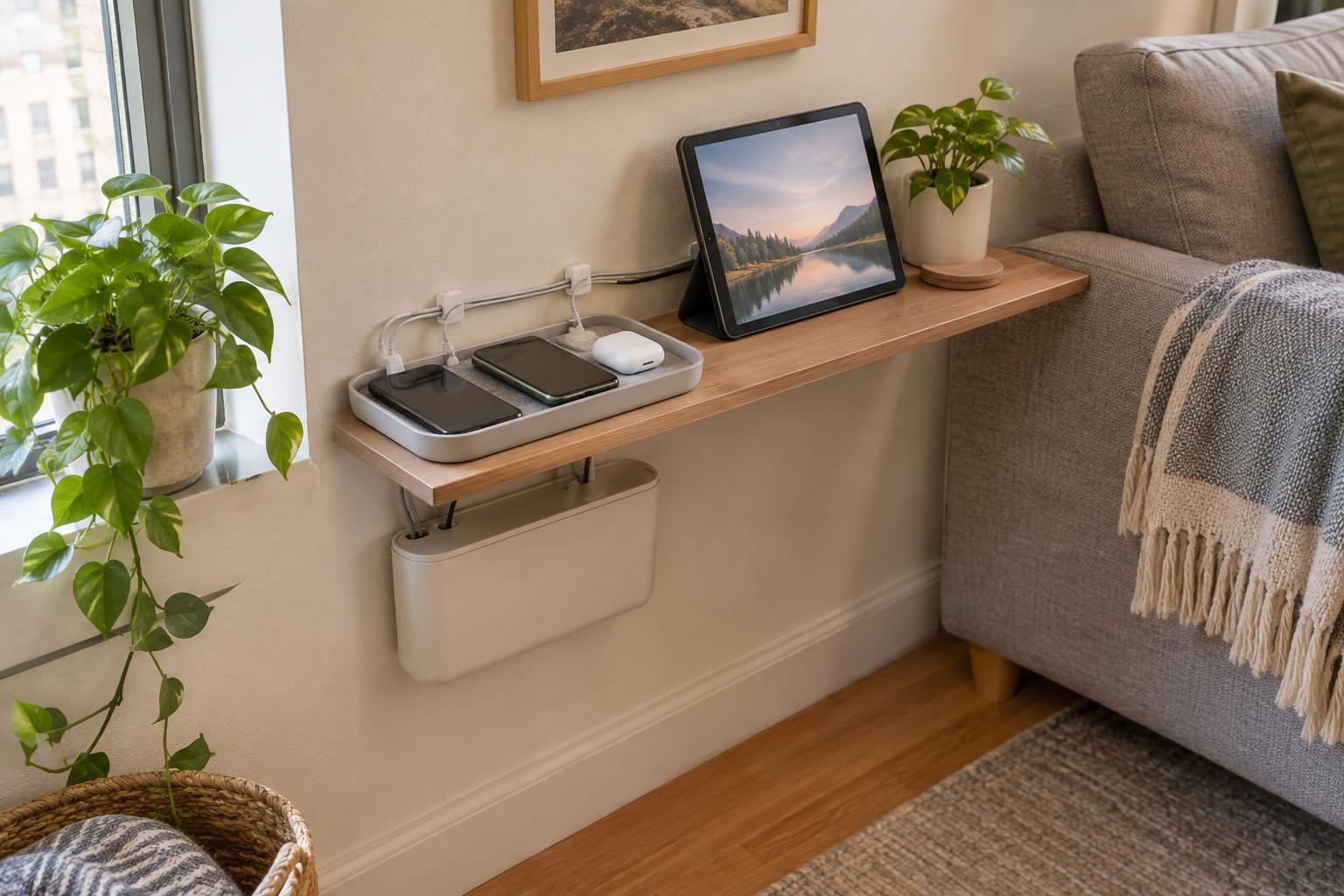
If debris sits between buttons, try a soft, dry brush rather than pushing a wet cloth into the gaps. Keep the remote in one easy-to-find place afterward, such as a small tray beside the sofa. That simple storage habit makes it easier to include in the next cleaning pass and keeps it off tables used for food or work.
Make the routine fit your household
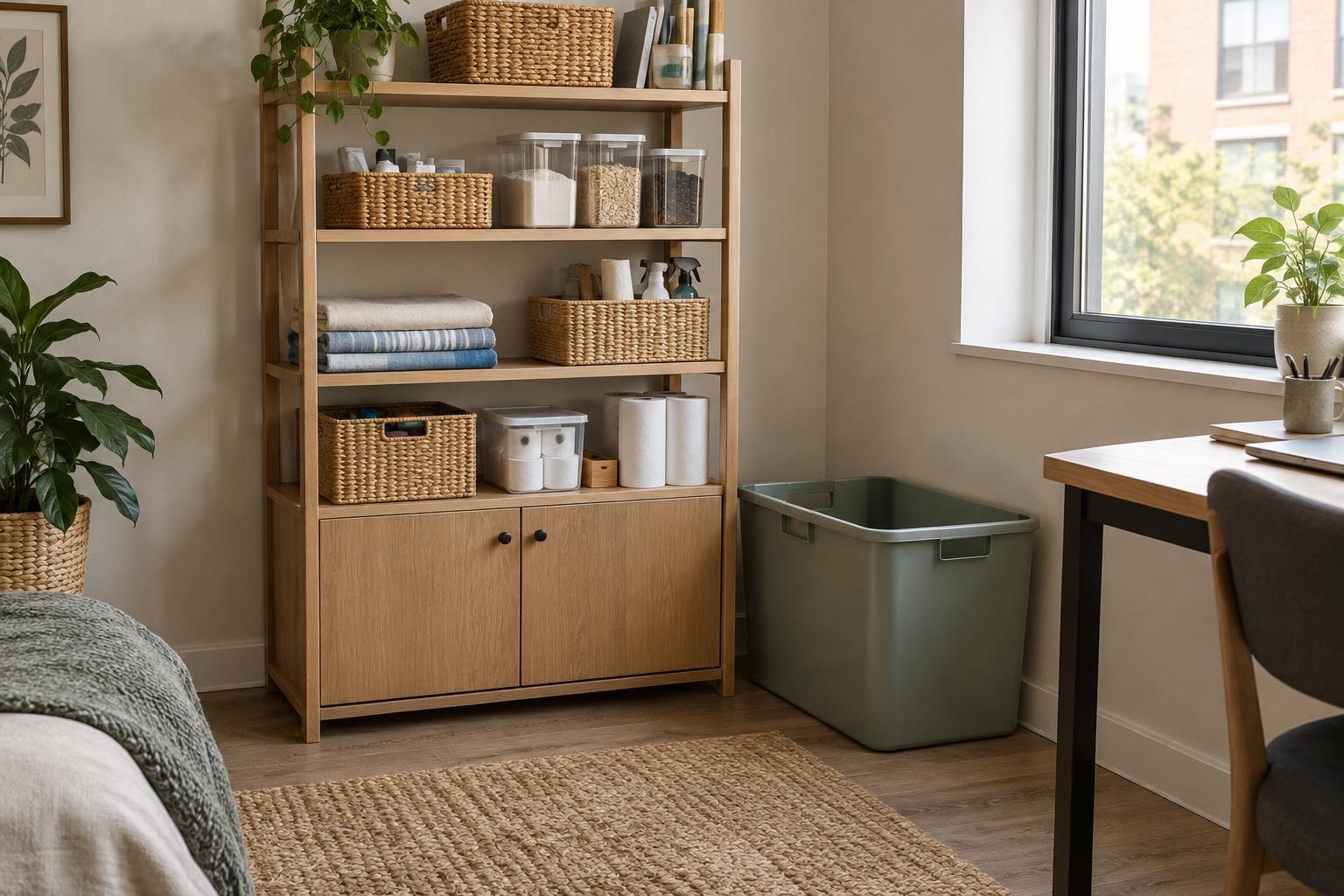
A useful routine is one you can complete without hunting for supplies. Store a labeled cloth and your usual surface cleaner where they are easy to reach, but away from children and pets. Work from one end of the room to the other, using a fresh area of the cloth as it becomes dirty. Launder reusable cloths after use according to their care instructions.
Choose a frequency based on how your space is used. A shared entry handle may need attention more often than a switch in a guest room; visible grime is a good prompt to clean sooner. You can pair the task with an existing habit, such as resetting the living room or wiping kitchen counters. In a small home, a short, repeatable pass usually serves better than an ambitious checklist that gets postponed.